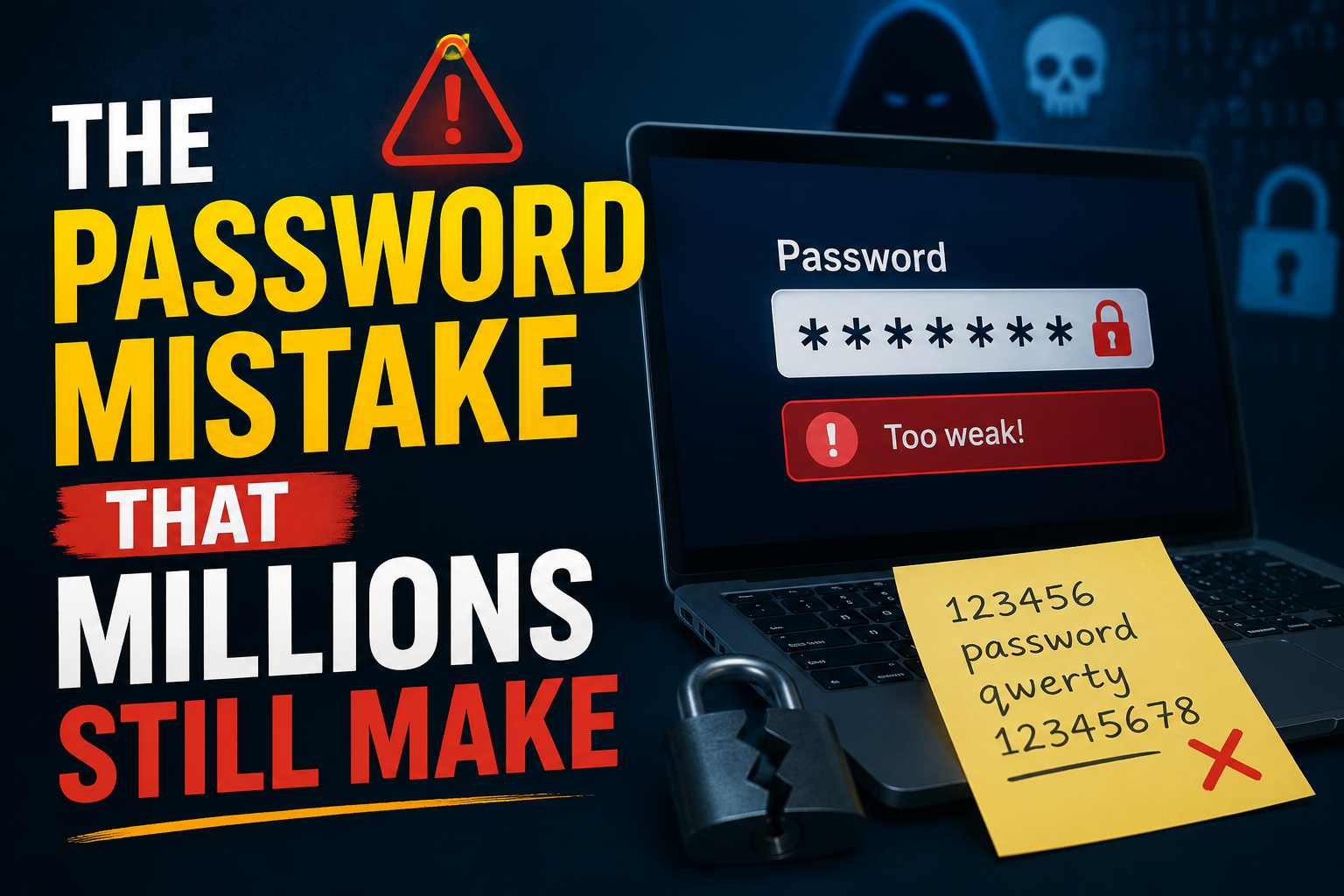
The Password Mistake That Millions Still Make
(And How One Small Habit Could Put Your Child at Risk Online)
The Morning Everything Breaks
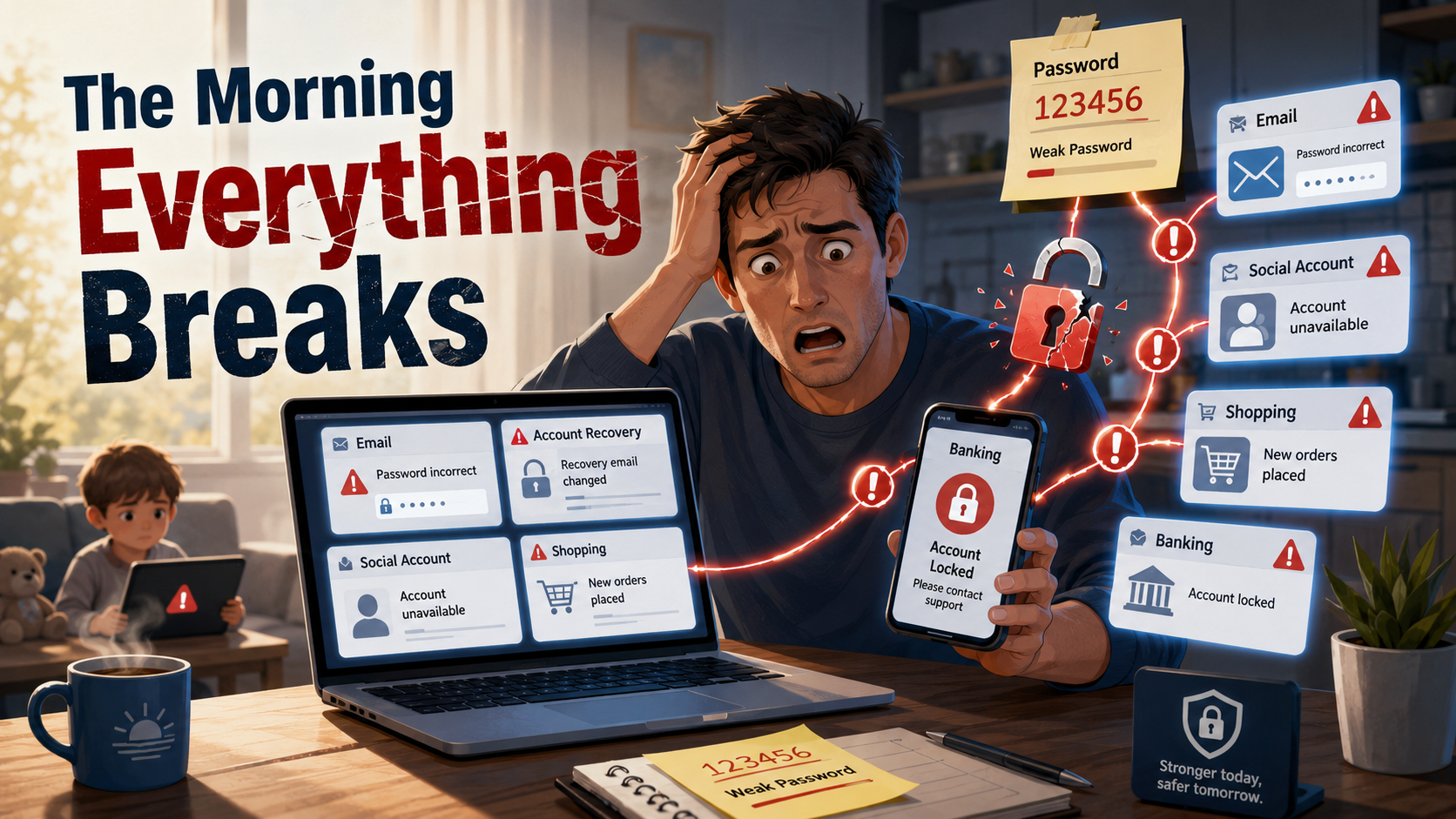
It starts quietly.
You try to check your email—wrong password.
You reset it… but the recovery email has changed.
Then your social media is gone.
Your shopping account shows orders you didn’t place.
Your bank app locks you out.
No suspicious links.
No downloads.
Just one weak password.
This isn’t a rare cyberattack. It’s one of the most common digital mistakes people make every single day.
And increasingly, children are at risk too.
The 4 Password Mistakes Almost Everyone Still Makes
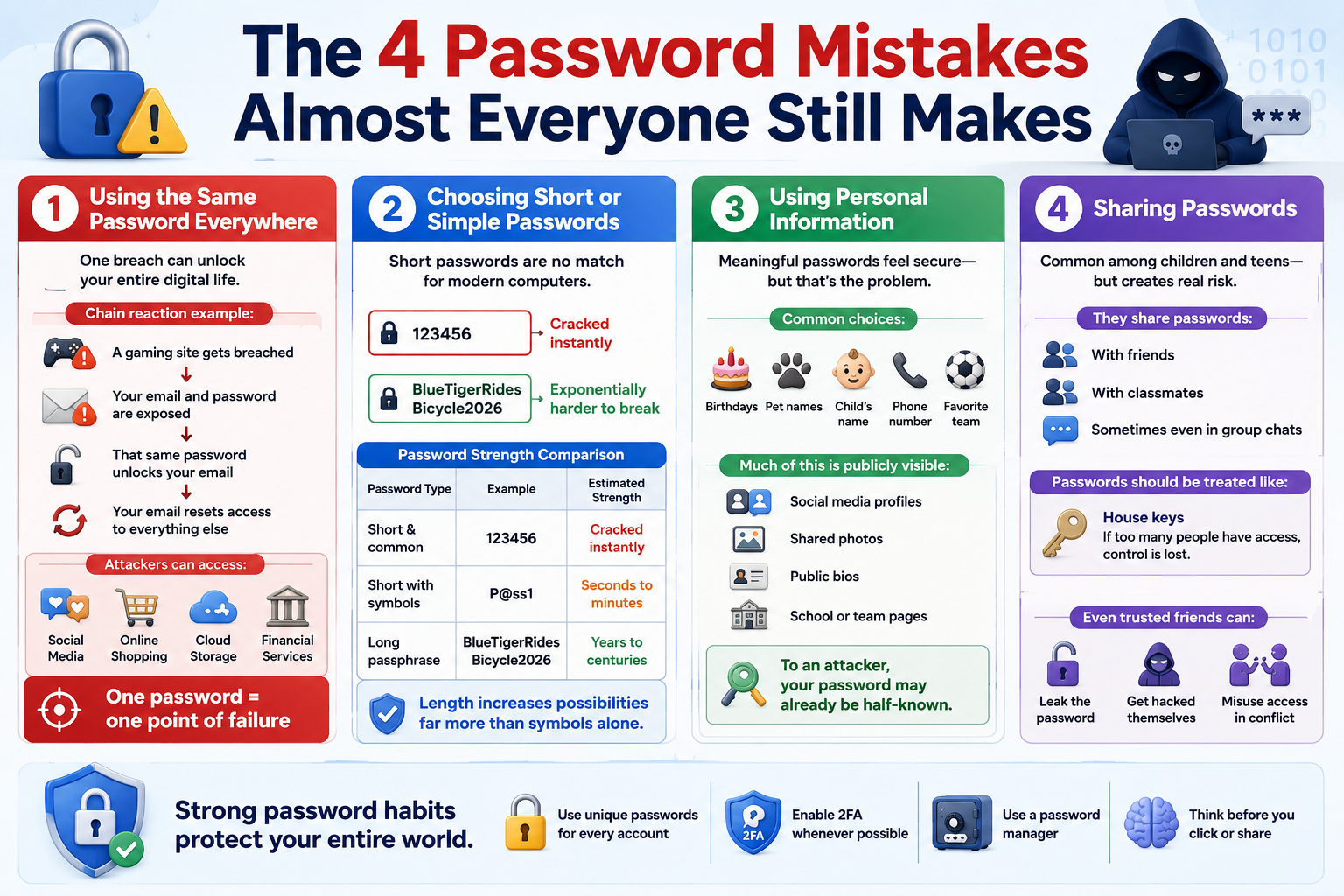
1. Using the Same Password Everywhere
This is the fastest way to lose control of your digital life.
When one website gets hacked, attackers don’t guess—they reuse your credentials across dozens of popular platforms.
Chain reaction example:
A gaming site gets breached
Your email and password are exposed
That same password unlocks your email
Your email resets access to everything else
From there, attackers can access:
Social media
Online shopping accounts
Cloud storage
Even financial services
One password = one point of failure
2. Choosing Short or Simple Passwords
Short passwords are no match for modern computers.
A basic password like:
123456
password123
Can be cracked almost instantly.
But something like:
BlueTigerRidesBicycle2026
Is exponentially harder to break.
Here’s why:
Password Type | Example | Estimated Strength |
|---|---|---|
Short & common | 123456 | Cracked instantly |
Short with symbols | P@ss1 | Seconds to minutes |
Long passphrase | BlueTigerRidesBicycle2026 | Years to centuries |
Length increases possibilities far more than symbols alone.
3. Using Personal Information
Many passwords feel “secure” because they are meaningful.
But that’s exactly the problem.
Common choices include:
Birthdays
Pet names
Child’s name
Phone number
Favorite sports team
Now consider how much of this is publicly visible:
Social media profiles
Shared photos
Public bios
School or team pages
To an attacker, your password may already be half-known.
4. Sharing Passwords
This is especially common among children and teens.
They share passwords:
With friends
With classmates
Sometimes even in group chats
It feels harmless—but creates real risk.
Passwords should be treated like:
House keys
If too many people have access, control is lost.
Even trusted friends can accidentally:
Leak the password
Get hacked themselves
Misuse access in moments of conflict
What Actually Makes a Password Strong?
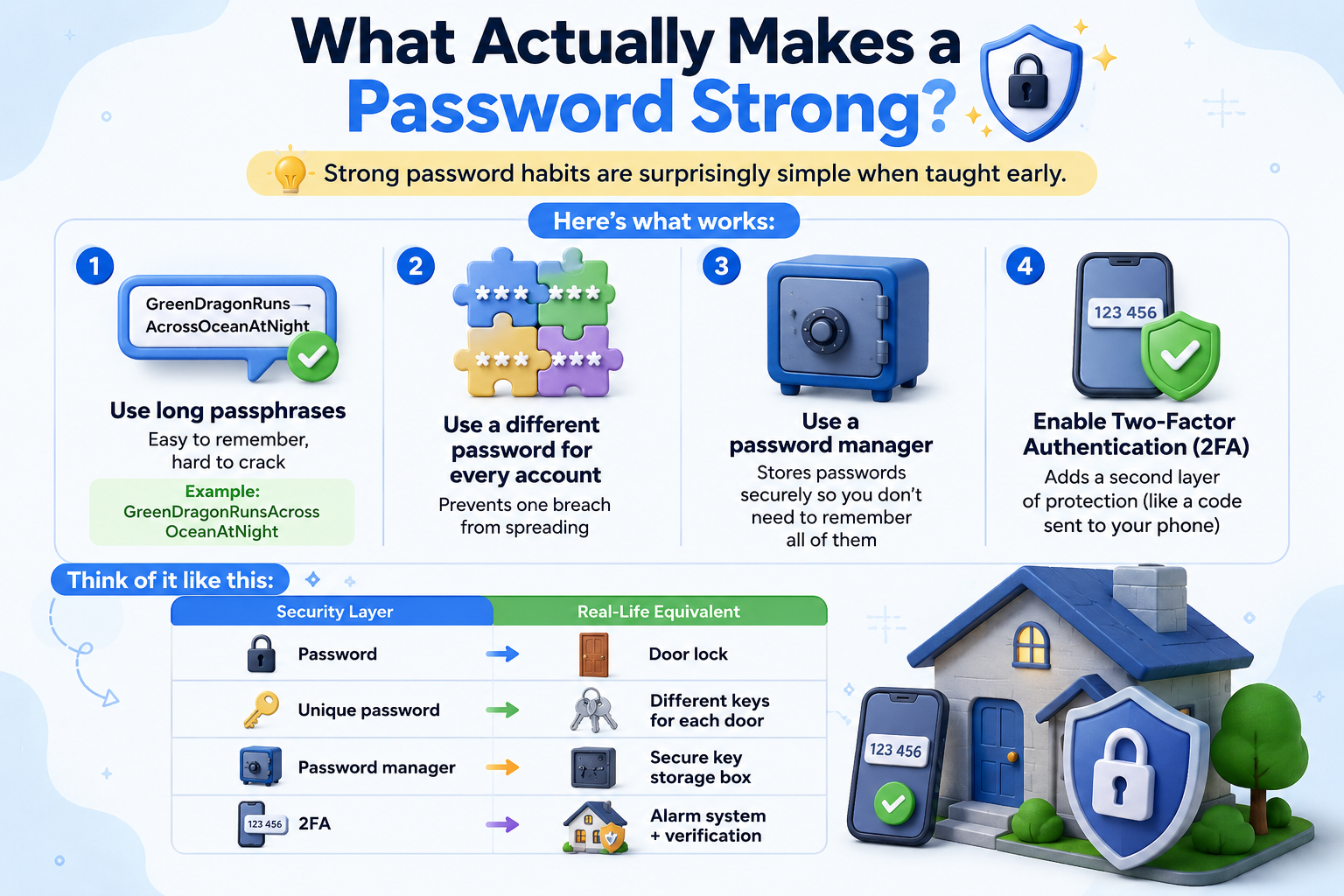
Strong password habits are surprisingly simple when taught early.
Here’s what works:
Use long passphrases
Easy to remember, hard to crack
Example: GreenDragonRunsAcrossOceanAtNightUse a different password for every account
Prevents one breach from spreadingUse a password manager
Stores passwords securely so you don’t need to remember all of themEnable Two-Factor Authentication (2FA)
Adds a second layer of protection (like a code sent to your phone)
Think of it like this:
Security Layer | Real-Life Equivalent |
|---|---|
Password | Door lock |
Unique password | Different keys for each door |
Password manager | Secure key storage box |
2FA | Alarm system + verification |
Why This Matters More for Children
Children today are growing up fully online.
They:
Attend classes online
Communicate through apps
Play multiplayer games
Share content and ideas
Use AI tools
But here’s the gap:
Most are never formally taught how to stay safe.
They learn:
How to use apps
How to create content
But not:
How accounts get hacked
How scams work
How to protect their identity
And once habits form early, they tend to stick for life.
Digital Skills Are the New Life Skills
Just like reading and math, digital awareness is now essential.
A child who understands:
Password security
Online risks
Safe behavior
Has a major advantage—not just in safety, but in confidence.
They don’t just consume technology.
They understand it.
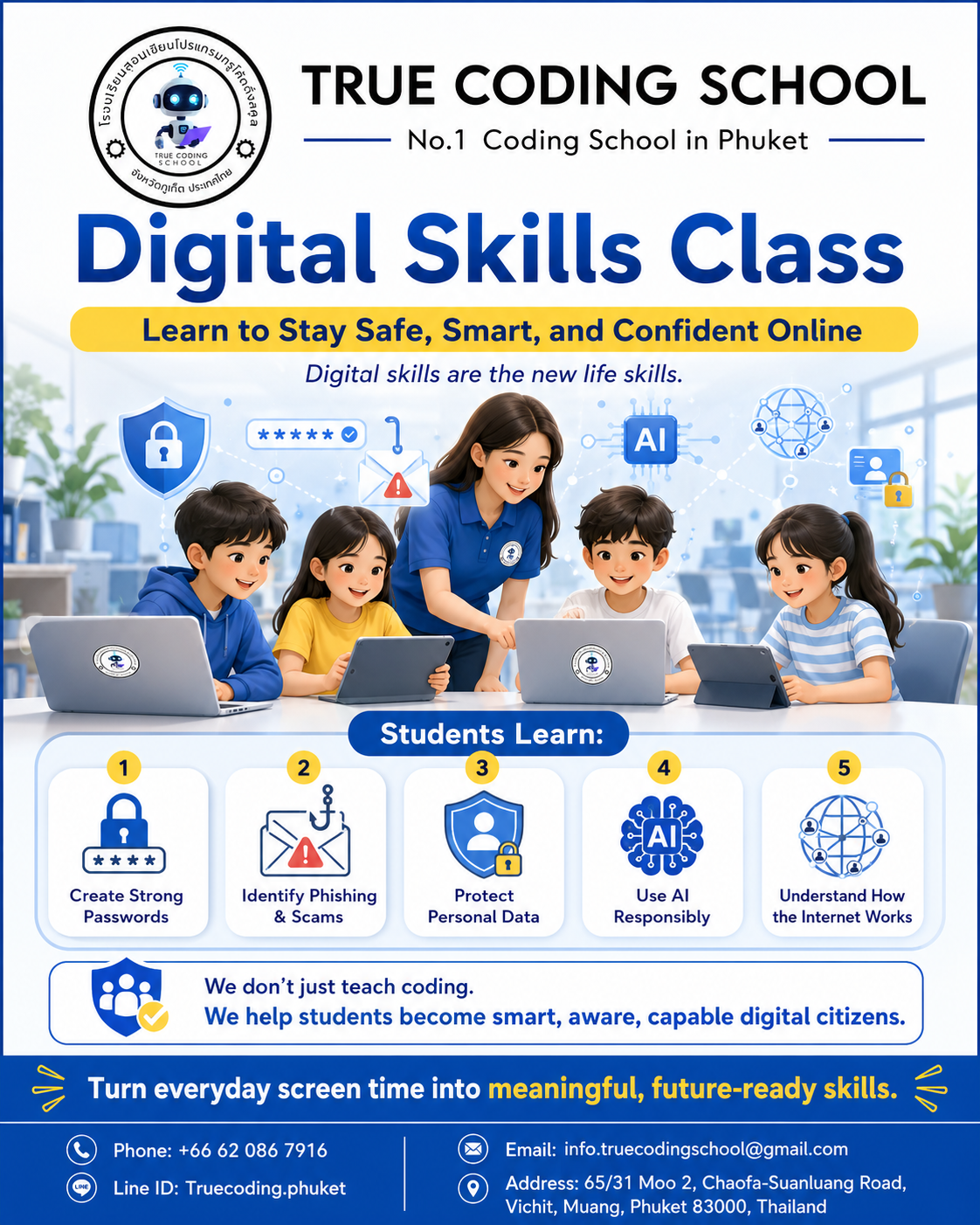
How True Coding School Phuket Makes the Difference
At True Coding School Phuket, digital skills are taught as practical, real-world tools—not abstract theory.
Students learn:
How to create strong, secure passwords
How to identify phishing attempts and scams
How to protect personal data
How AI tools should be used responsibly
How systems, networks, and the internet actually work
The focus is not just coding.
It’s building smart, aware, capable digital citizens who can navigate the online world safely and confidently.
Final Thoughts
Technology is no longer optional.
It shapes:
Education
Communication
Career opportunities
And the risks are real—but preventable.
Sometimes, the difference between safety and compromise comes down to one simple habit:
A better password.
Connect with True Coding School Phuket
Turn everyday screen time into meaningful, future-ready skills.
Phone: +66 62 086 7916
Line ID: Truecoding.phuket
Email: info.truecodingschool@gmail.com
Address: 65/31 Moo 2, Chaofa-Suanluang Road, Vichit, Muang, Phuket 83000, Thailand