
How to Create a Maze Game in Python for Kids | Learn Coding Through Problem Solving
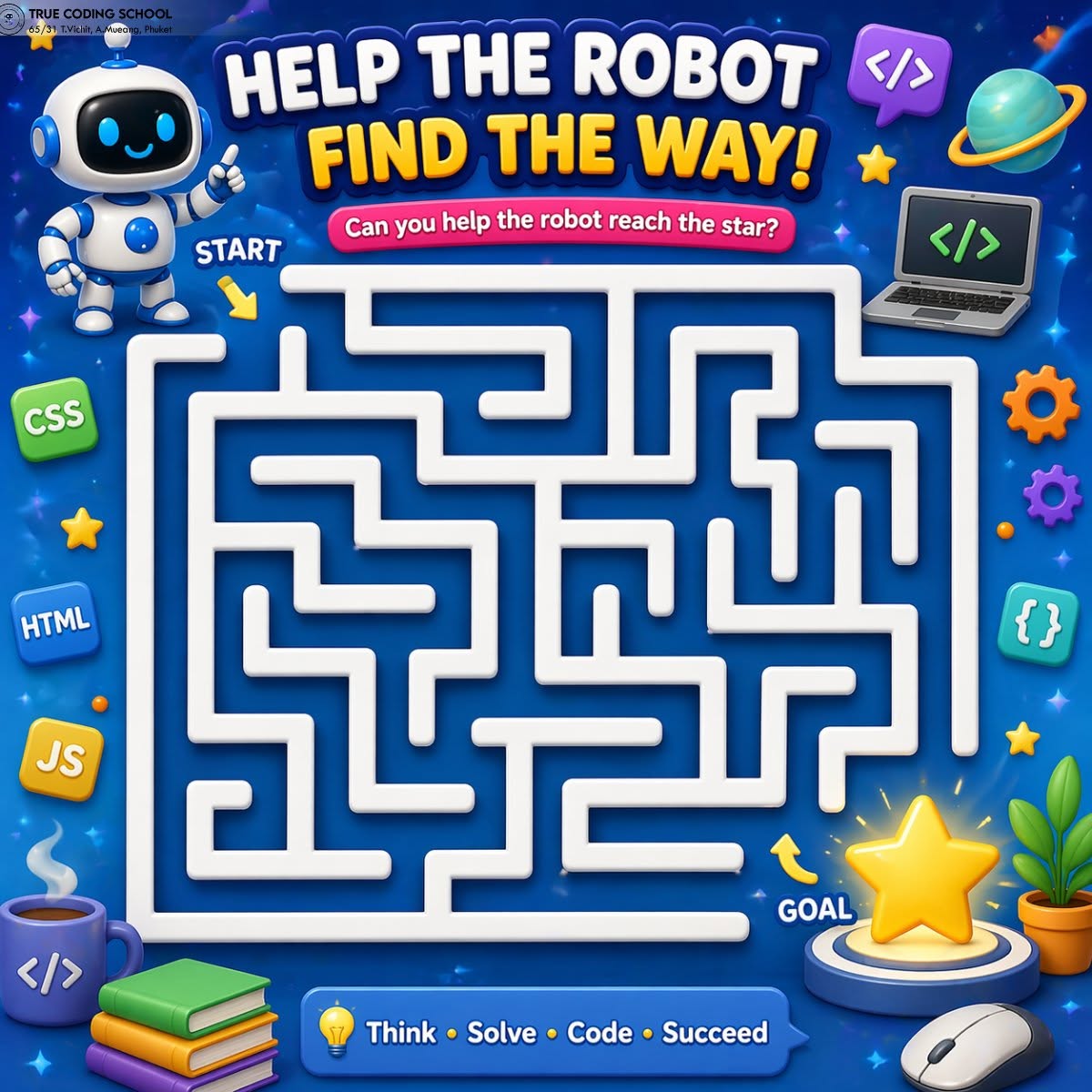
Python for Kids: Code a Robot Maze Game
Learning Python becomes much more exciting when students can turn code into an interactive game. In this lesson, we will create a simple Robot Maze Game where the player helps a robot navigate through a grid-based maze to reach the goal star.
At True Coding School, we use projects like this to help students learn coding through real-world problem-solving rather than rote memorization.
What Students Will Learn
By building this project, students will practice and apply several fundamental programming concepts:
Variables: Tracking positions and scores.
Lists: Creating a two-dimensional grid for the maze.
Loops: Keeping the game running until the player wins.
Conditional Statements (
if/elif/else): Checking boundaries, walls, and player inputs.Functions: Organizing code into reusable blocks.
Keyboard Input: Capturing user decisions in real-time.
Game Logic & Computational Thinking: Breaking a large project down into structured steps.
Step-by-Step Implementation
Step 1: Create the Maze
First, we need to design a map for our game. We use a 2D list (a list of lists) to represent a grid.
maze = [
    ["S", ".", ".", "#", "."],
    ["#", "#", ".", "#", "."],
    [".", ".", ".", ".", "."],
    [".", "#", "#", "#", "."],
    [".", ".", ".", "#", "G"]
]
Each symbol within the grid serves a specific purpose:
Symbol | Meaning | Description |
S | Start | The initial position of the robot |
G | Goal | The star or destination the robot must reach |
. | Path | Open spaces where the robot is allowed to walk |
# | Wall | Obstacles that block the robot's path |
Step 2: Show the Maze
To display the game board to the player, we write a function that loops through our grid and prints it cleanly.
def show_maze():
    for row in maze:
        print(" ".join(row))
    print()
Using " ".join(row) converts the list of characters into a clean, spaced string, making the grid highly readable for students.
Step 3: Add the Robot
The robot begins its journey at the top-left corner, corresponding to row 0, column 0. We track these coordinates using variables.
robot_row = 0
robot_col = 0

maze[robot_row][robot_col] = "R"
Note: The letter R dynamically overwrites the layout to represent the robot's current location on the map.
Step 4: Move the Robot
We use the input() function to ask the player which direction they want to move. Appending .lower() ensures that the game accepts both uppercase and lowercase letters.
move = input("Move W/A/S/D: ").lower()
The game utilizes standard computer gaming controls:
Key | Direction | Coordinate Change |
W | Up | Row decreases ( |
A | Left | Column decreases ( |
S | Down | Row increases ( |
D | Right | Column increases ( |
Step 5: Check the Next Position
Before executing the movement, the program must calculate the potential new position and verify if it is valid.
new_row = robot_row
new_col = robot_col

if move == "w":
    new_row -= 1
elif move == "s":
    new_row += 1
elif move == "a":
    new_col -= 1
elif move == "d":
    new_col += 1
This step reinforces coordinate geometry concepts, showing students how grid-based movement translates directly to arithmetic adjustments.
Step 6: Full Working Code
Here is the complete, integrated script. Students can copy this code into their Python environment to run the game instantly.
# Initialize the game map
maze = [
    ["S", ".", ".", "#", "."],
    ["#", "#", ".", "#", "."],
    [".", ".", ".", ".", "."],
    [".", "#", "#", "#", "."],
    [".", ".", ".", "#", "G"]
]

# Set starting coordinates for the robot
robot_row = 0
robot_col = 0

# Set target coordinates for the goal
goal_row = 4
goal_col = 4

# Place the robot at the starting position
maze[robot_row][robot_col] = "R"


def show_maze():
    """Prints the current state of the maze to the console."""
    for row in maze:
        print(" ".join(row))
    print()


# Main game loop
while True:
    show_maze()

    move = input("Move W/A/S/D: ").lower()

    # Temporary variables to store the next intended move
    new_row = robot_row
    new_col = robot_col

    # Process directional input
    if move == "w":
        new_row -= 1
    elif move == "s":
        new_row += 1
    elif move == "a":
        new_col -= 1
    elif move == "d":
        new_col += 1
    else:
        print("Please use W, A, S, or D only!")
        continue

    # Boundary Check: Prevent the robot from leaving the grid
    if new_row < 0 or new_row >= 5 or new_col < 0 or new_col >= 5:
        print("You cannot move outside the maze!")
        continue

    # Collision Check: Prevent the robot from walking through walls
    if maze[new_row][new_col] == "#":
        print("Wall! Try another way.")
        continue

    # Clear old position and update to new position
    maze[robot_row][robot_col] = "."
    robot_row = new_row
    robot_col = new_col

    # Win Condition Check: Has the robot reached the goal?
    if robot_row == goal_row and robot_col == goal_col:
        maze[robot_row][robot_col] = "R"
        show_maze()
        print("Congratulations! The robot reached the star!")
        break

    # Update the map with the new robot position
    maze[robot_row][robot_col] = "R"
How the Code Works
The entire game logic operates inside a continuous loop (while True). During each iteration, the program processes tasks in a sequential pipeline:
Render: Displays the updated maze grid.
Input: Captures the player's intended directional command.
Calculation: Computes the target coordinate numbers based on the key pressed.
Validation: Assesses whether the destination is inside the board limits and free from walls.
Execution: Updates the grid variables, moving the character forward.
Evaluation: Confirms whether the current position matches the goal coordinates to trigger a victory.
This systematic pipeline mirrors the foundational design structure used in mainstream commercial video games and enterprise robotics programming.
Creative Challenges for Students
Once the basic version is functional, students are encouraged to customize and expand their games. Here are a few recommended extensions to promote independent coding:
Expand the Horizon: Build a larger $10 \times 10$ grid layout.
Increase Difficulty: Map out intricate maze structures with complex wall networks.
Track Efficiency: Implement a move counter to keep track of performance.
Introduce Real-time Pressure: Integrate a countdown timer.
Design Multi-Level Systems: Load a brand new maze grid layout once the first one is successfully cleared.
Example: Implementing a Move Counter
# Initialize the counter before the loop
moves = 0

# Inside the game loop, increment after a successful move validation
moves += 1
print("Moves taken:", moves)
Why This Project Benefits Young Learners
Building a maze game teaches principles that extend far beyond Python syntax alone. It instills structural, step-by-step thinking patterns. When confronted with an intricate programming task, students discover that breaking a larger objective down into manageable components simplifies development.
At True Coding School, we prioritize this approach to ensure young learners build genuine engineering confidence. They transition from simply typing lines of code to analyzing challenges exactly like software engineers, data scientists, and technical innovators.
Summary of Lifelong Core Competencies
By interacting with project-based learning curriculums, children naturally adopt analytical frameworks that help them excel globally:
Logic & Planning: Visualizing data paths and algorithmic sequences early.
Debugging & Resilience: Realizing that errors and software bugs are educational stepping stones rather than failures.
Decision-Making: Evaluating multiple technical solutions to choose the most efficient option.
When students actively enjoy the creative challenge, their coding proficiency grows naturally. Every project at True Coding School is structured to empower students to think critically, solve problems systematically, code cleanly, and succeed across future academic and career paths.